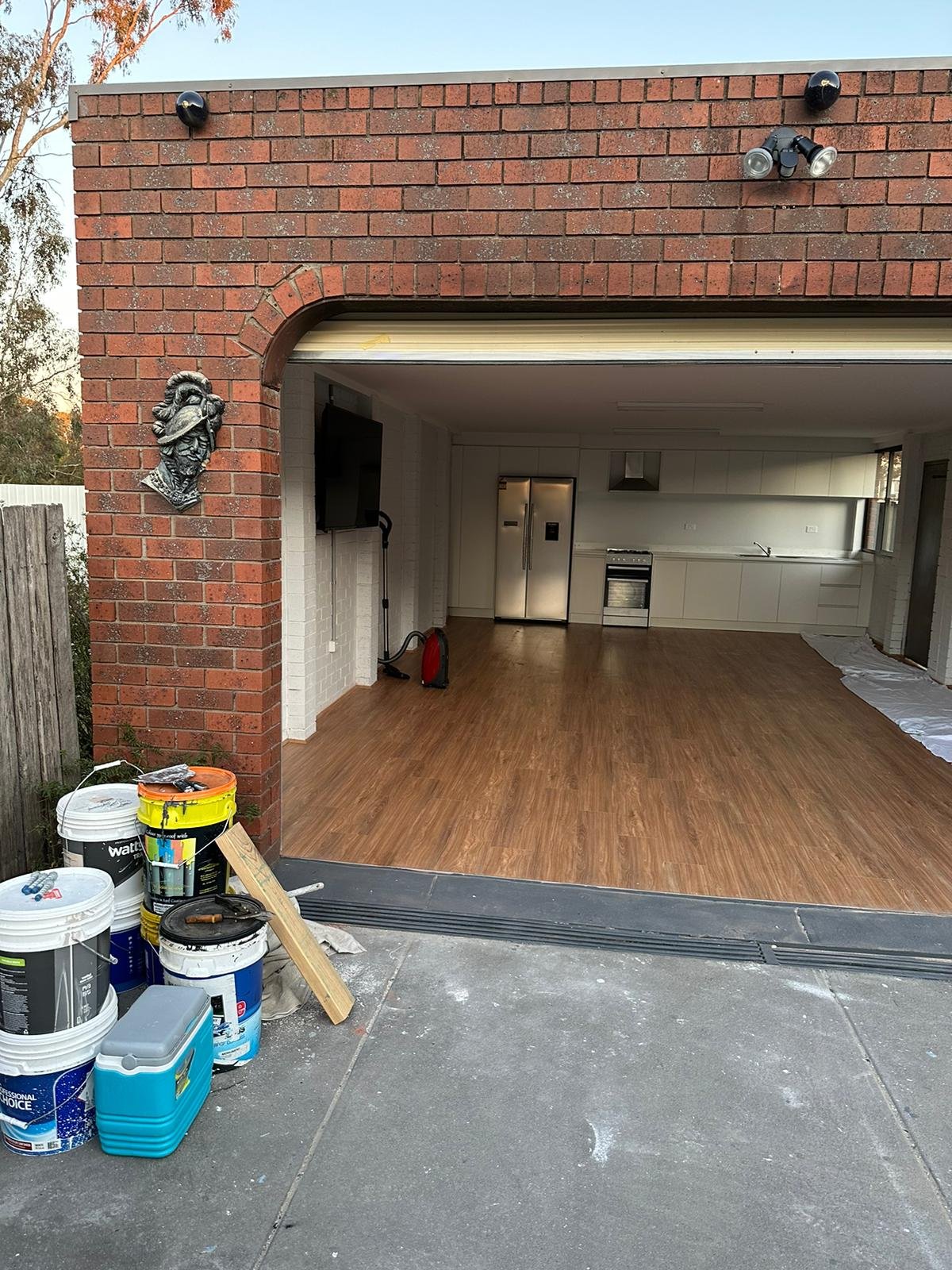

A detached garage, backyard office, workshop, or guesthouse may need access to the same smart home controls used inside the main residence. However, connecting devices across separate buildings can be more complicated than extending a wireless signal.
Distance, construction materials, outdoor conditions, and electrical differences between structures can affect network reliability. Fiber optic cabling offers a way to establish a wired connection between buildings without transmitting data through electrical signals.
For homeowners considering fiber optic installation in Las Vegas, understanding the equipment and installation requirements can help prevent connectivity problems and unnecessary changes later.
How does fiber optic cabling connect separate buildings?
Fiber optic cables transmit information using pulses of light rather than electrical signals. This allows network data to travel between buildings through optical strands.
For example, a homeowner may want a detached garage to support smart lighting, temperature monitoring, and a connected door controller. A fiber connection can carry network traffic between the garage and the main house.
However, fiber does not connect directly to most household smart devices. Network switches, optical transceivers, or media converters may be required at one or both ends.
Individual devices then communicate through Ethernet, Wi-Fi, or another supported connection within the detached building.
The Fiber Broadband Association provides educational information about fiber technology and network infrastructure.
Which smart home devices can use a fiber connection?
Fiber cabling can support the network infrastructure used by many connected household systems. It does not replace the wireless or wired connections built into individual smart devices.
For example, a backyard office might contain smart lighting controls, a thermostat, environmental sensors, and automated window shades. These devices can communicate through a local network connected to the main residence over fiber.
Some automation equipment depends on a central controller inside the house. Other devices use independent applications or cloud services.
Before planning the connection, homeowners should identify which devices need communication with the main residence and which can operate independently.
The residential automation systems outlined by ACECOMM Inc. provide examples of connected household controls and their functions.
A device inventory can help distinguish equipment that needs continuous network access from controls that can continue operating locally.
Why might fiber be useful between detached structures?
A wired fiber connection can be useful when buildings are separated by outdoor space or when wireless coverage is inconsistent.
Exterior walls, metal siding, and other construction materials can weaken wireless signals. A detached workshop with metal walls, for example, may receive an unreliable signal from the main house even when the buildings are relatively close.
Fiber can also provide electrical isolation when the cable contains no conductive components. This matters because separate buildings may have different electrical grounding conditions.
However, homeowners should not assume every fiber cable is entirely nonconductive. Some constructions include metallic armor or other conductive materials that require appropriate installation practices.
Fiber connections also depend on powered network equipment at both ends. A power interruption in the detached building can interrupt connectivity even when the cable remains intact.
What should homeowners consider when planning the cable route?
The route between buildings affects cable protection, installation access, and future maintenance.
Underground pathways may use suitable conduit, while other installations may involve properly rated aerial cable. The appropriate method depends on the property layout, existing utilities, and applicable installation requirements.
For example, a homeowner connecting a guesthouse across a landscaped yard may need to account for irrigation lines, paved walkways, and underground services.
Outdoor fiber cable must be suitable for its installation environment. Moisture, sunlight, temperature changes, and physical stress can affect cable selection.
Fiber also has minimum bend-radius requirements. Sharp bends or excessive pulling force can damage the cable or reduce signal performance.
The information about fiber cabling and installation methods provides context about fiber-related infrastructure and installation work.
Homeowners should identify suitable building entry points and accessible termination locations before finalizing the cable route.
What equipment is needed inside each building?
A fiber connection generally requires compatible equipment at both ends.
Depending on the network design, this may include switches with fiber ports, optical transceivers, or media converters. The components must support compatible fiber types, connectors, and transmission specifications.
Inside the detached building, a network switch or wireless access point can distribute connectivity to individual devices.
For example, a workshop may use a wired connection for a control panel and a wireless access point for smart plugs and environmental sensors.
The Telecommunications Industry Association (TIA) develops telecommunications infrastructure standards that address cabling design and installation considerations.
Homeowners should also account for electrical outlets, ventilation, and accessible mounting space for network equipment.
How can homeowners plan for power interruptions?
Fiber carries data but does not supply operating power to devices at either end.
A detached garage with smart lighting controls may lose network connectivity during a local power interruption if its network switch or wireless access point shuts down.
Some systems can continue performing limited functions locally, depending on their controllers and device capabilities. Others require an active connection to the main residence or an external service.
Homeowners should identify which functions need to remain available during an outage.
For example, a garage door should retain its intended manual or local operating method even if remote automation becomes unavailable.
Backup power equipment may support selected networking components, depending on their electrical requirements and the desired operating duration.
How can homeowners test the connection after installation?
A completed fiber connection should be tested before it becomes part of regular household automation.
Homeowners can begin by confirming that network equipment in both buildings recognizes the connection and that connected devices respond as expected.
Tests should include ordinary automation commands, device status updates, and communication with central controllers.
For example, a homeowner can activate a workshop lighting routine from the main house and confirm that the correct devices respond.
The connection should also be checked after network equipment restarts to confirm that devices reconnect properly.
A record of cable routes, equipment models, termination points, and device assignments can make future troubleshooting easier when the detached building’s automation system changes.