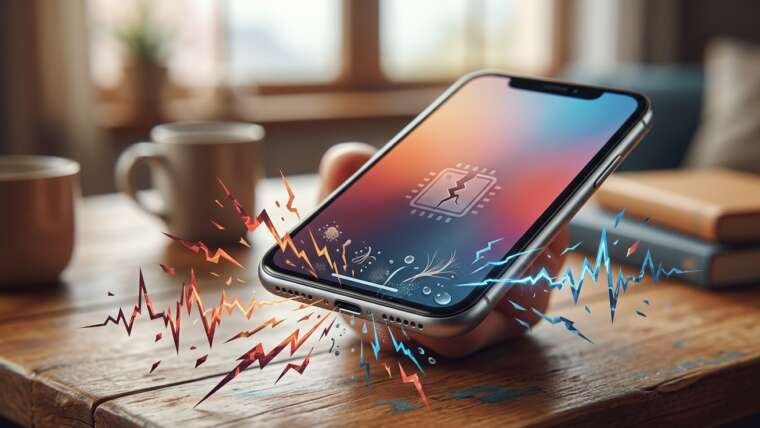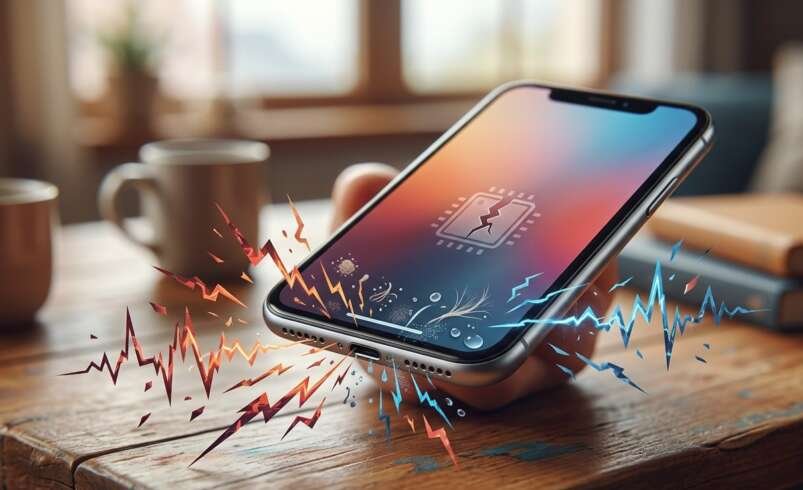

A phone speaker that produces crackling, buzzing, or distorted sounds can make calls, music, and videos difficult to enjoy. This problem may result from incorrect audio settings, dust buildup, moisture exposure, software glitches, or damaged speaker components. MyRepairStore can be a helpful starting point when exploring device repair options, while customers searching for PS5 repair Indian Trail or Xbox repair Indian Trail may also need assistance with their electronic devices. Understanding the causes of distorted phone audio can help you troubleshoot the issue and determine when professional repair is necessary.
Table of Contents
-
Common Causes of Crackling Phone Speakers
-
How to Fix Distorted Phone Audio
-
Signs Your Phone Speaker Needs Repair
-
How to Prevent Speaker Problems
-
Frequently Asked Questions
-
Contact MyRepairStore
1. Common Causes of Crackling Phone Speakers
Several issues can cause your phone speaker to produce unclear or distorted sound. Identifying the cause is the first step toward finding a suitable solution.
Dust and Debris Buildup
Dust, lint, and small particles can collect around the speaker grille. Over time, this buildup may block sound and make audio seem muffled, crackly, or quieter than usual.
Inspect the speaker opening under good lighting. If you notice debris, follow the manufacturer’s cleaning instructions and avoid inserting sharp objects into the grille.
Water or Moisture Exposure
Moisture can interfere with speaker performance and cause temporary sound distortion. If your phone has recently been exposed to water, the speaker may sound muffled or produce unusual noises.
Disconnect the phone from its charger if it is wet and follow the manufacturer’s drying guidance. Avoid using a hairdryer, applying direct heat, or inserting objects into the speaker opening.
If the problem continues after the device has dried according to the manufacturer’s instructions, seek professional assistance.
Excessive Volume
Playing audio at maximum volume can sometimes make sound appear distorted, particularly when the recording itself is poor quality or the speaker is struggling to reproduce certain sounds clearly.
Lower the volume and test the speaker again. If crackling continues at moderate volume across different audio sources, another issue may be responsible.
Software Glitches
Temporary software errors or application problems can affect audio playback. An outdated application, operating system bug, or malfunctioning media player may cause intermittent crackling.
Restart your phone, update your applications, and install available official system updates. Test the speaker using different applications to determine whether the issue is limited to one program.
Physical or Internal Hardware Damage
A phone that has been dropped or exposed to impact may develop speaker damage or internal connection problems. Common symptoms include persistent buzzing, intermittent sound, or distortion during calls and media playback.
If the issue started immediately after a drop, a professional inspection can help determine whether the speaker or another internal component needs repair.
2. How to Fix Distorted Phone Audio
Try these simple troubleshooting steps before arranging a repair.
-
Lower the volume: Reduce the volume to a moderate level and test the sound again.
-
Restart your phone: This may resolve temporary software problems affecting audio.
-
Test different applications: Play music, a video, or a ringtone to see whether distortion occurs everywhere.
-
Disconnect Bluetooth devices: Make sure audio is coming from your phone’s built-in speaker rather than another device.
-
Inspect the speaker grille: Check for visible dust or debris and clean only as recommended by the manufacturer.
-
Check for updates: Install official software updates if available.
If the speaker continues crackling after these steps, avoid attempting an internal repair yourself. A qualified technician can examine the device and recommend an appropriate solution.
3. Signs Your Phone Speaker Needs Repair
Some symptoms indicate that basic troubleshooting may not be enough.
Watch for these warning signs:
-
Crackling or buzzing continues at moderate volume.
-
Sound frequently cuts in and out.
-
Audio remains muffled after appropriate cleaning and drying.
-
The speaker produces no sound during calls or media playback.
-
Distortion began after a drop or liquid exposure.
-
The sound quality gradually becomes worse.
Professional diagnosis can help identify whether the problem involves the speaker, internal connections, moisture damage, or another component.
MyRepairStore is a relevant option to explore for device repair assistance. If you also need gaming equipment support, searches for PS5 repair Indian Trail and Xbox repair Indian Trail relate to separate console repair needs.
4. How to Prevent Speaker Problems
Good device care can help reduce the risk of future audio issues.
-
Keep your phone away from water and excessive moisture.
-
Use a protective case that does not block speaker openings.
-
Clean the exterior carefully using manufacturer-approved methods.
-
Avoid exposing your phone to dusty environments when possible.
-
Keep your operating system and applications updated.
-
Avoid playing audio at maximum volume for extended periods.
-
Arrange an inspection if sound quality changes suddenly.
These habits cannot prevent every hardware issue, but they can help maintain your phone’s audio performance.
5. Frequently Asked Questions
Why does my phone speaker crackle at high volume?
High volume can make distortion more noticeable. Lower the volume and test another audio source. Persistent crackling may indicate a speaker or software problem.
Can water cause distorted phone sound?
Yes. Moisture can temporarily affect speaker performance or cause damage. Follow the manufacturer’s drying guidance and seek assistance if the issue persists.
Can dust make my phone speaker sound muffled?
Yes. Dust and debris can block the speaker grille and reduce sound clarity. Clean the exterior carefully without inserting objects into the opening.
Should I replace my phone speaker if it crackles?
Not necessarily. Software issues, debris, and other problems can also cause distortion. Proper diagnosis helps determine whether replacement is required.
When should I seek professional phone repair?
Consider professional repair if crackling persists after basic troubleshooting, especially if the problem follows a drop or exposure to liquid.
6. Contact MyRepairStore for Repair Assistance
Crackling or distorted phone audio can result from several causes, including blocked speaker openings, moisture, software glitches, and hardware damage. Checking your volume, restarting your phone, and testing different applications may resolve minor issues. Persistent distortion, however, may require professional diagnosis.
My Repair Store is a starting point for exploring device repair options. Whether you need help with a phone speaker problem or are researching other electronics services such as PS5 repair Indian Trail and Xbox repair Indian Trail, choosing a service suited to your device is important.
Need help with your device? Contact MyRepairStore to ask about available repair services and the next steps for your phone.