
Cloud gaming has changed how people access demanding PC games without purchasing expensive gaming hardware. Instead of relying entirely on a local computer, players can use remote computing resources to run games and stream the experience over the internet. Depending on the provider, users can access individual games from a supported catalog or connect to a complete Windows computer hosted in the cloud.
Understanding the difference between cloud gaming services and a cloud computer for gaming can help you choose the right solution for your gaming needs.
What Are Some Popular Cloud Gaming Services?
Several services offer different approaches to playing games remotely:
- NVIDIA GeForce NOW: Streams supported games from compatible digital game libraries, subject to its catalog and plan restrictions.
- Xbox Cloud Gaming: Lets eligible users stream supported Xbox games on compatible devices through Microsoft’s gaming ecosystem.
- Amazon Luna: Offers cloud-streamed games through supported devices and subscription or game-access options that vary by region.
- Shadow PC: Provides access to a full cloud-based Windows PC, allowing users to install supported software and games.
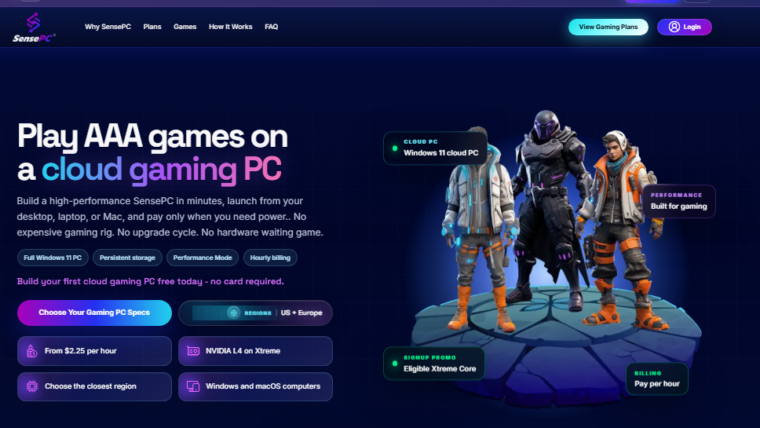
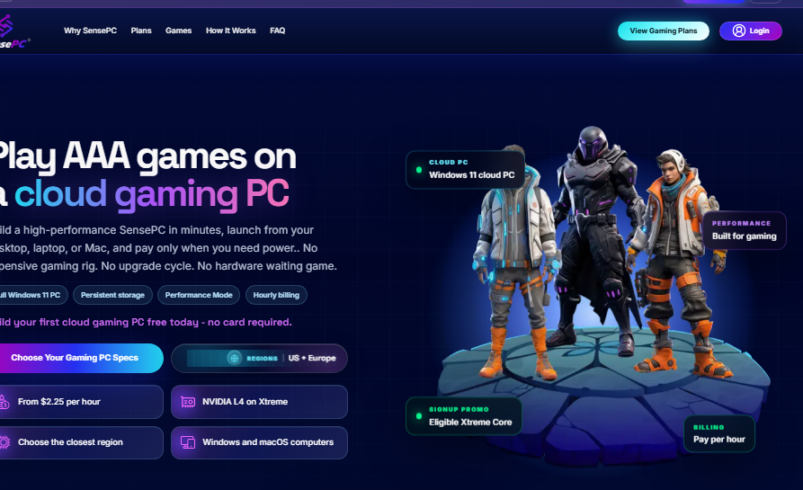
- SensePC: Provides a Windows cloud PC with GPU-equipped gaming configurations, persistent storage, and flexible hourly, daily, or monthly access.
Availability, pricing, supported devices, and game compatibility differ between providers. Before choosing a service, check whether it supports your location, preferred games, and internet connection.
What Is a Cloud-Based PC?
A cloud-based PC is a computer hosted in a remote data center that you access through an internet connection. Rather than running every application on your own hardware, the remote machine handles the computing workload and streams its desktop to your device.
A virtual desktop in the cloud can be useful for gaming, software development, creative projects, and other demanding applications. Depending on its configuration, a cloud PC may include a Windows operating system, dedicated graphics resources, memory, CPU capacity, and persistent storage.
This approach can be particularly useful for people who own a lightweight laptop or Mac but need access to Windows applications or more powerful computing resources.
Cloud Gaming Service vs. Full Cloud PC
The main difference is how much control you receive.
Traditional cloud gaming platforms generally focus on streaming supported games through a managed service. A full cloud PC gives you access to a remote desktop where you can install compatible applications, sign in to game launchers, and maintain your own environment.
For gamers who want more flexibility than a fixed game catalog, a cloud PC can be worth considering. However, performance depends on the selected hardware, game compatibility, server location, and network quality.
How SensePC Fits Into Cloud Gaming
SensePC offers a cloud computing option for users who want access to a Windows desktop without purchasing and maintaining a high-performance physical PC.
Its gaming configurations include NVIDIA L4 graphics, while persistent SSD storage helps retain installed games, settings, and files between sessions. Users can choose hourly, daily, or monthly access depending on their usage needs.
You can connect through a supported browser, with Performance Mode available through the native client on supported Windows and macOS computers. This gives users another way to access a cloud PC from compatible devices.
Explore the what are some cloud gaming services to learn more about its gaming configurations and access options.
How to Choose the Right Cloud PC
Before selecting a provider, consider these factors:
- Game compatibility: Confirm that your favorite games and launchers work on the service.
- Performance: Review GPU, CPU, and memory specifications against your games’ requirements.
- Network quality: A stable internet connection and a suitable server location can improve responsiveness.
- Storage: Persistent storage can save time when returning to previously installed games.
- Pricing: Compare hourly usage with daily or monthly plans based on how often you play.
- Device support: Check whether you can connect from your laptop, desktop, Mac, or Chromebook.
Conclusion
Cloud gaming services provide different ways to enjoy PC and console games without relying exclusively on local hardware. Catalog-based services can be convenient for supported titles, while a cloud PC offers a more flexible desktop environment for compatible games and applications.
By comparing compatibility, virtual desktop in the cloud performance, access options, and pricing, you can decide whether a traditional cloud gaming platform or a full cloud-based PC such as SensePC best fits your needs.